The plain version
A language model is, physically, a very long list of numbers called weights. Gemma 3 27B has about 27.4 billion of them. When the lab releases it, each number is stored in a 16-bit format (BF16), so the model takes 2 bytes per weight, or about 54 GB. Almost nobody has 54 GB of fast graphics memory at home.
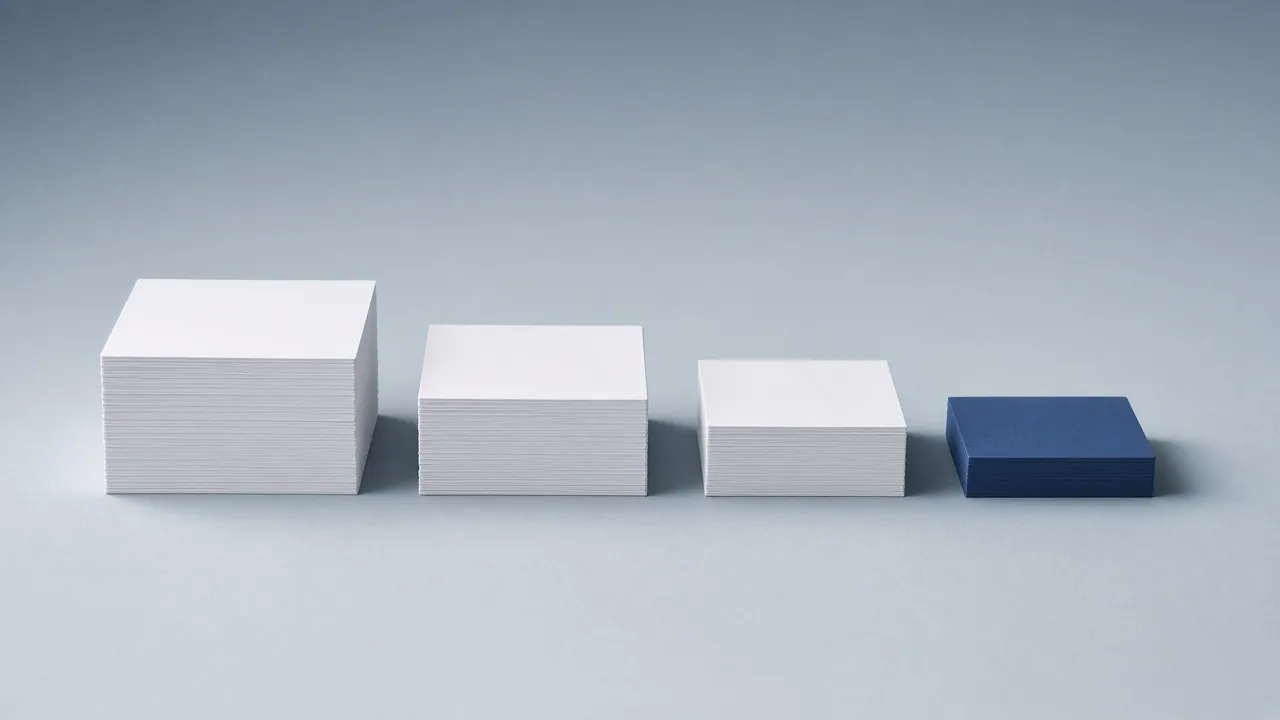
Quantization is the trick that closes that gap. Instead of storing every weight with 16 bits of precision, you store it with fewer: 8, 6, 5, 4, sometimes 3. The file shrinks almost in proportion. At 4 bits, Gemma 3 27B is a 16.6 GB file, and suddenly it fits on a used RTX 3090.
An everyday analogy. Think of a photo. A raw camera file records every pixel with great precision and is huge. A good JPEG throws away detail your eye barely notices and is a tenth of the size. Look closely and you can find the damage; at normal viewing distance you can't. A 4-bit model is the JPEG of the original: smaller, a little lossy, and for most uses indistinguishable. A 3-bit model is a JPEG saved at low quality: you start to see the blocks.
It's not just rounding. Simply chopping every number to 4 bits would wreck a model. Modern schemes split the weights into small blocks of 32 or 256 and store a scale factor for each block, so every block keeps its own range. The best schemes also keep the most sensitive parts of the model, such as the embedding and some attention tensors, at higher precision. That is why a "4-bit" Q4_K_M file actually averages about 4.8 bits per weight.
Reading the names. The labels look like gibberish until you know the pattern:
- Q4, Q5, Q6, Q8: roughly the number of bits per weight.
- _K: llama.cpp's "k-quant" block scheme, the modern default.
- _S, _M, _L: small, medium, large. How many sensitive tensors are kept at higher precision. _M is the usual choice.
- IQ: "i-quants", which squeeze more quality into very low bit counts, best with an importance matrix.
- MXFP4: a 4-bit floating-point format. gpt-oss ships natively in it, so its MXFP4 file isn't a compressed copy of something bigger; it is the release.
Does it make the model dumber? A little, and less than you'd expect. On our scale, the drift from the original model is tiny at Q8_0, very small at Q6_K and Q5_K_M, small at Q4_K_M and clearly larger at Q3_K_M. In practice, most people can't tell Q5 from the original in chat, and Q4 is the sweet spot for fitting a bigger model on the same card. A bigger model at Q4 usually beats a smaller model at Q8 of the same file size.
It also makes it faster. Generating each token means reading every active weight from memory once. Fewer bytes to read means more tokens per second. Halve the file size and, on most home hardware, you nearly double the generation speed (see memory bandwidth).
How to choose, in one line each:
- Pick the largest model whose Q4_K_M file is no more than about 75% of your memory. The rest is for context.
- If it fits with room to spare, step up to Q5_K_M or Q6_K.
- Only use Q3 or lower to reach a model you couldn't otherwise run, and prefer an IQ3 build made with an importance matrix.
Where the bytes go
The file size of a quant is close to
params × bpw ÷ 8, where bpw is the effective bits per weight including block scales. For Gemma 3 27B, the measured GGUF sizes from the Hugging Face API give:QuantFile (GB)Effective bpwBF16 54.03 15.76 Q8_0 28.71 8.37 Q6_K 22.17 6.47 Q5_K_M 19.27 5.62 Q4_K_M 16.55 4.83 Q3_K_M 13.44 3.92 (Effective bpw is below 16 for BF16 because the parameter count from
safetensors.totalincludes the vision tower, which some GGUF builds ship separately in anmmprojfile.)The configurator uses the real file size when we have it (
W = gguf_file_bytes / 1e9, brief §7.3 formula 1) and falls back toW = params_total × bpw / 8otherwise. Fallback values are labelled estimate in the data.How k-quants work
Q4_K groups weights into super-blocks of 256, split into 8 sub-blocks of 32. Each sub-block stores 4-bit integers plus a 6-bit scale and minimum; each super-block stores those scales relative to an FP16 super-scale. Q8_0 is simpler: blocks of 32 with one FP16 scale, so 8 + 16/32 = 8.5 bpw. The _M "mix" variants promote tensors that hurt most when quantized (for example
attn_vandffn_downon some layers) to the next type up.An importance matrix (
llama-imatrix) records activation statistics on calibration text.llama-quantize --imatrixthen minimises error weighted by importance, which matters most below 4 bits.Measuring the damage: KL-divergence, not vibes
Perplexity averages over the text and can hide rare but large errors. We report KL-divergence of the quantized model's next-token distribution against the BF16 reference, on a fixed corpus:
llama-perplexity -m model-BF16.gguf -f corpus.txt --kl-divergence-base base.kld
llama-perplexity -m model-Q4_K_M.gguf --kl-divergence-base base.kld --kl-divergence
We publish mean KLD and top-token agreement per quant on each datasheet's Memory and quants tab. Until our runs are in, those columns are marked sample.
Runtime flags
- llama.cpp:
llama-quantize in.gguf out.gguf Q4_K_M; run with-m out.gguf. - Ollama: tags such as
gemma3:27b-it-q4_K_M;ollama showprints the quant. - LM Studio: the quant is in the file name; it shows estimated memory before loading.
- MLX:
mlx_lm.convert --hf-path … -q --q-bits 4 --q-group-size 64. MLX 4-bit isn't byte-identical to Q4_K_M; compare file sizes, not names. - vLLM: serves AWQ, GPTQ, FP8 and (on recent GPUs) NVFP4/MXFP4 checkpoints rather than GGUF k-quants.
Pitfalls
- KV cache isn't quantized by the weight quant.
Q4_K_Msays nothing about the cache; that is-ctk/-ctv(see KV cache). - "4-bit" files differ. Q4_0, Q4_K_S, Q4_K_M, IQ4_XS and MXFP4 range from about 4.25 to 4.85 bpw and differ in quality.
- MoE models tolerate quantization differently. Expert weights are read rarely, so some builds keep shared layers at higher precision. Check the effective bpw.
- llama.cpp: