The plain version
When a model writes a reply, it produces one token (roughly a word piece) at a time. To choose each new token it has to "look back" at everything before it: your prompt, the documents you pasted, and its own reply so far. That looking-back step is called attention.
Attention works by comparing the new token with a short summary of every earlier token. Each summary has two parts, a key (what this token is about) and a value (what it contributes). Working those out is expensive, so the model computes them once per token and keeps them. That store is the key-value cache, or KV cache.
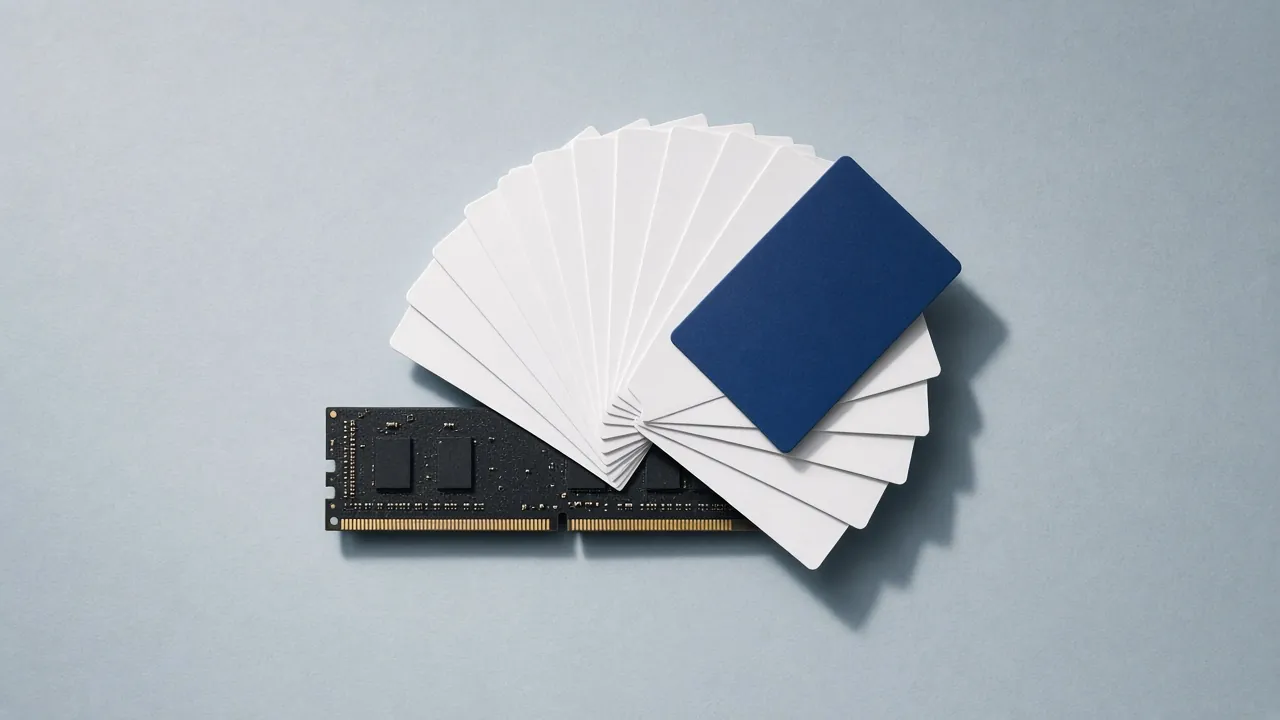
An everyday analogy. Imagine a court stenographer who, instead of re-reading the whole transcript before every sentence, keeps an index card for each sentence already spoken. The cards make each new sentence fast to write. But the stack of cards grows with every sentence, and in a long trial the stack can get bigger than the rulebook on the desk. The rulebook is the model's weights. The cards are the KV cache.
Why it surprises people. The weights are a fixed size: download a 19.8 GB file and that's what it takes. The KV cache isn't in the file. It starts empty and grows with every token in the conversation, for every user at once. A model that loads comfortably can run out of memory an hour later when a long document pushes the context to 32,000 tokens.
How big it gets. For Qwen3 32B, every token costs about 0.26 MB of cache at the default 16-bit precision. That sounds small until you multiply:
- 4,096 tokens (a long chat): about 1.1 GB
- 32,768 tokens (a big document): about 8.6 GB
- 131,072 tokens (a whole codebase, with YaRN context extension): about 34 GB, larger than the model itself
Three things that keep the cache small, and that explain why two models of the same size can need very different memory:
- Shared key-value heads (GQA). Most current models let several attention "heads" share one set of keys and values. Qwen3 32B has 64 query heads but only 8 KV heads, an 8× saving built into the model.
- Short-memory layers (sliding window). Some layers only look at the last few hundred or thousand tokens, so their part of the cache stops growing. Gemma 3 does this on five of every six layers.
- Lower-precision cache. Runtimes can store the cache at 8 bits instead of 16, halving it with a very small quality cost. This is a setting you choose, separate from the model's quant.
You don't control the first two; they're part of the model's architecture, which is why every datasheet on this site lists layers, KV heads and the sliding window, verified against the model's own config.json.
The formula
For standard attention with GQA (brief §7.3 formula 2):
KV_bytes = 2 × n_layers × n_kv_heads × head_dim × ctx × concurrency × bytes_per_elemThe 2 is one tensor for keys and one for values.
bytes_per_elemis 2 for F16, 1 for q8_0 and about 0.56 for q4_0 (4 bits plus a scale per block of 32). For Qwen3 32B (64 layers, 8 KV heads, head_dim 128):2 × 64 × 8 × 128 × 2 B = 262,144 B per token ≈ 0.262 MB × 32,768 tokens = 8.59 GBSliding-window layers
Layers with a window
wonly cachemin(ctx, w)tokens. Gemma 3 27B has 62 layers, 16 KV heads and head_dim 128, withsliding_window = 1024andsliding_window_pattern = 6(every sixth layer is global): 10 global and 52 local layers. At 32k context:global: 10 × 32,768 × (2 × 16 × 128 × 2 B) = 2.68 GB local: 52 × 1,024 × (2 × 16 × 128 × 2 B) = 0.44 GB total ≈ 3.12 GB (vs 16.6 GB if every layer were global)gpt-oss does the same with a 128-token window on alternating layers; at 128k context gpt-oss-120b's cache is about 4.8 GB.
MLA and linear attention
DeepSeek-style multi-head latent attention caches a compressed latent of
kv_lora_rank + qk_rope_head_dimelements per layer per token, instead of2 × n_kv_heads × head_dim. Hybrid models with linear-attention or state-space layers keep a constant-size state for those layers. The configurator handles both cases with separate formulas.Runtime flags
- llama.cpp:
-c 32768sets context;-ctk q8_0 -ctv q8_0quantizes the cache (V-cache quantization needs-fa on);--swa-fulldisables the sliding-window saving (avoid unless a frontend needs it);-np 4splits the context across 4 parallel slots. - Ollama:
num_ctxin the Modelfile or API;OLLAMA_KV_CACHE_TYPE=q8_0withOLLAMA_FLASH_ATTENTION=1. - LM Studio: context length slider; "K/V cache quantization" under advanced settings.
- vLLM:
--max-model-len,--kv-cache-dtype fp8; it pre-allocates a share of VRAM set by--gpu-memory-utilizationand pages the cache in blocks. - MLX:
--max-kv-sizebounds a rotating cache;mlx_lmsupports quantized KV via--kv-bits.
Speed, not just capacity
The cache is also read for every generated token, so a large cache slows decoding:
bytes_per_token = W_active + KV(ctx). That's why the datasheets show tok/s against context depth, and why a 32k-context run on a 24 GB card can be 20–25% slower than an empty-context benchmark suggests.Pitfalls
- Ollama's default context is small; long prompts are silently truncated unless you raise
num_ctx. - Concurrency multiplies the cache. Four users at 8k cost the same as one at 32k.
- q4_0 cache saves more but can visibly hurt long-context recall on some models. Start with q8_0.
- llama.cpp: